Master AI Image Prompts: From Basic Text to Professional Art Creation

Faith
7/28/2025
Master AI Image Prompts: From Basic Text to Professional Art Creation
Have you ever been amazed by the imaginative images generated by AI and wished you could create them too? The good news is, it's easier than you think! This ai art guide will take you from zero to hero, teaching you how to use an ai image prompt to communicate with a powerful ai image generator and bring your ideas to life.
Step 1: Your First AI Creation – The Simplest Start
Imagine you're giving an order to a magical artist who is incredibly skilled but follows instructions literally. That command you give is called a "Prompt."
Keyword Explained:
- Prompt: This is the text instruction you give to the AI. It tells the AI what you want to create. It can be a single sentence or a combination of keywords. Think of it as making a wish to a genie—the clearer you are, the better the result.
Let's start with the basics. Suppose you want a picture of a cute cat. Your first prompt can be as simple as one sentence:
A cute cat
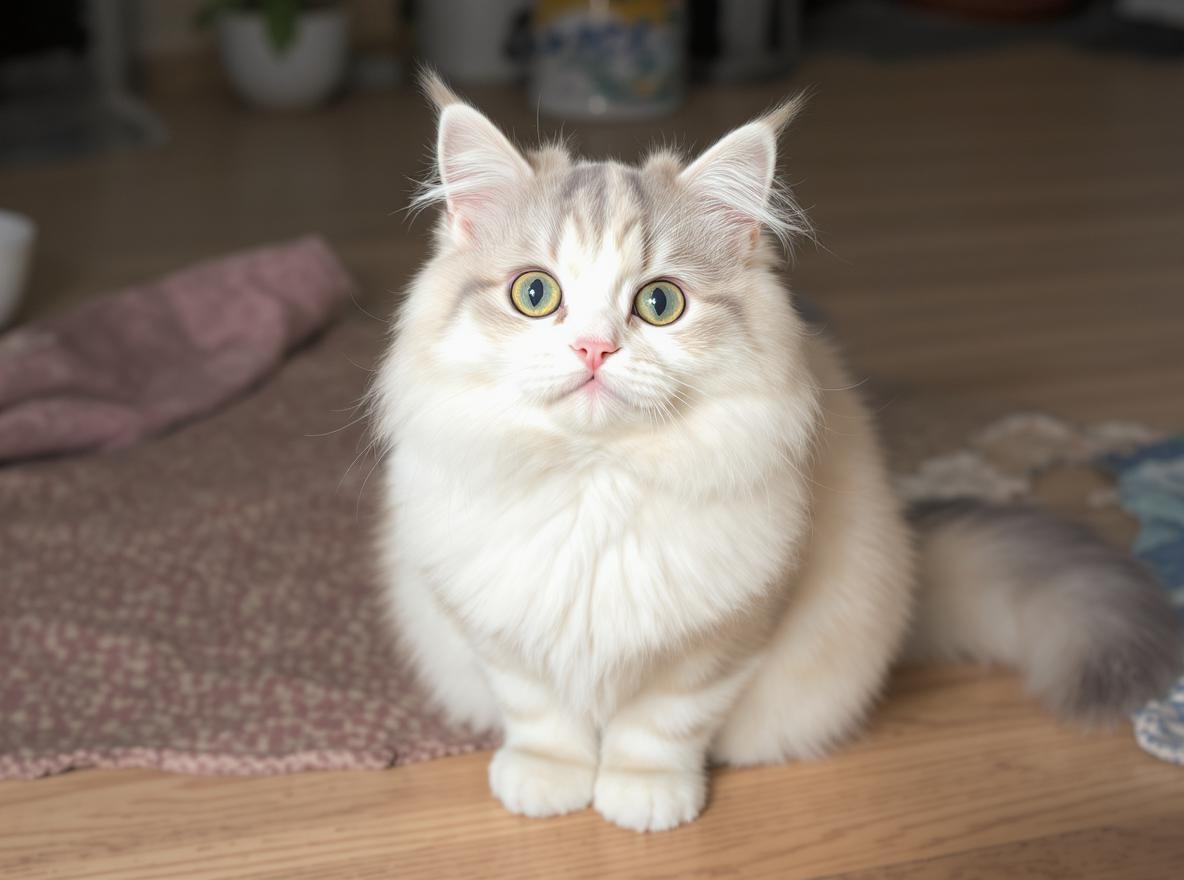
Enter this simple ai image prompt into a free ai image editor with prompt, and the AI will begin to "read" your instruction and create.
[Image Placeholder: An image generated from "A cute cat" would go here, featuring a cute, simply styled cat against a plain background.]
See? You've successfully created your first AI image! It's that easy. Now, let your imagination run wild and create your first masterpiece!
Start creating now! Think of anything, describe it in a sentence, and see what surprise the AI has for you!
🚀 Try Now - Create Your First AI Image
Step 2: Adding Details – Enriching Your Scene
You've mastered the basics, which is like finishing the line art of a drawing. Now, it's time to add color and background. By adding descriptive words to your prompt, you can significantly influence the content and mood of the generated image.
Let's continue with our cat example. This time, let's make it more specific:
A fluffy orange tabby cat wearing a small bow tie, sitting on a sunlit windowsill
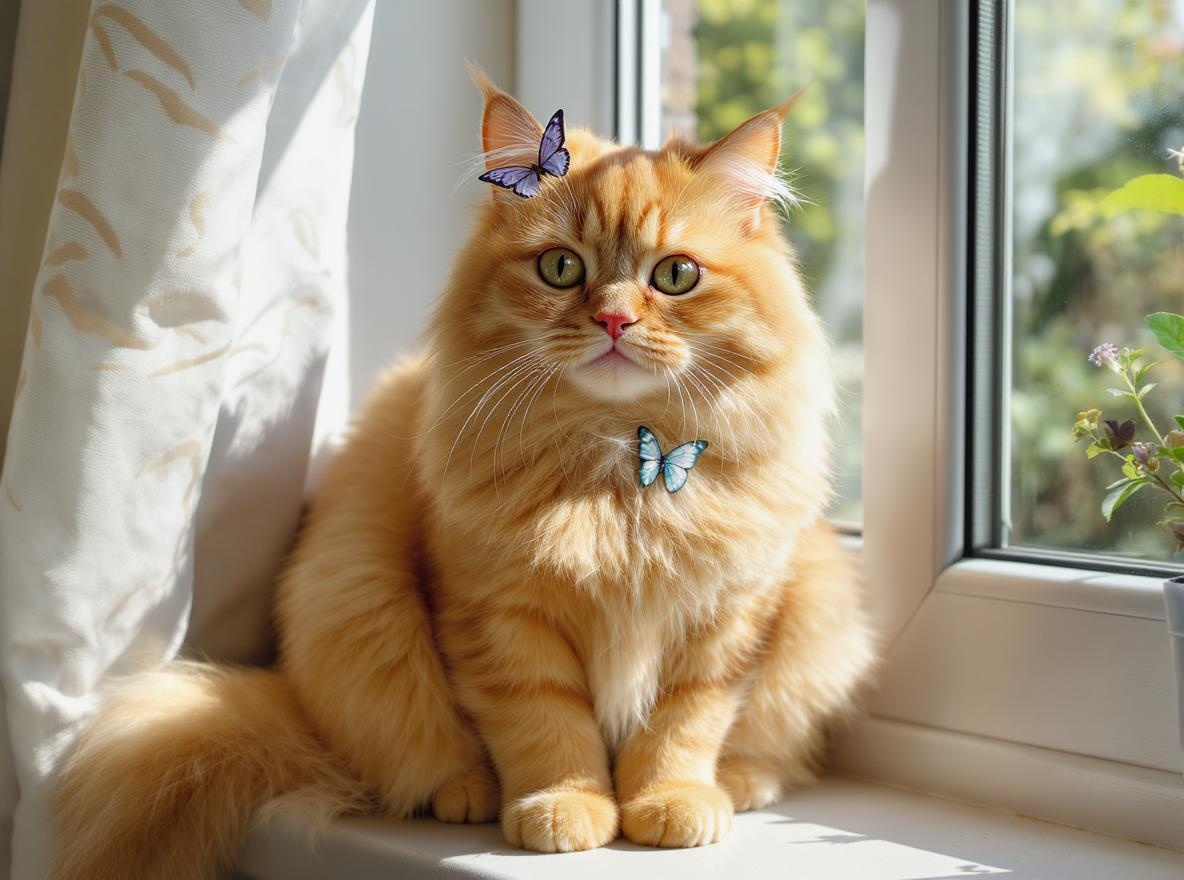
This more detailed ai image prompt gives the ai image generator much more information:
- Subject: Cat
- Description: Fluffy, orange tabby, wearing a small bow tie
- Environment: Sitting on a sunlit windowsill
[Image Placeholder: An image generated from the detailed prompt above would go here, showing a realistic orange cat on a windowsill with light and shadow effects.]
By adding details, you've transformed a vague concept into a vivid, specific scene. This process is like upgrading from telling a chef to "make food" to ordering "a medium-rare steak with black pepper sauce." This is one of the core techniques of how to create ai images.
🎯 Start Creating Detailed Images Now
Step 3: Specifying Style – Become the Art Director
Now, you're not just the writer; you're the art director. Besides describing the content, you can also specify the artistic style, camera angle, and even the lighting. This gives your work more personality and artistic flair.
Let's turn our cat scene into something worthy of a blockbuster movie:
A fluffy orange tabby cat wearing a small bow tie, sitting on a sunlit windowsill, cinematic lighting, close-up shot, photorealistic
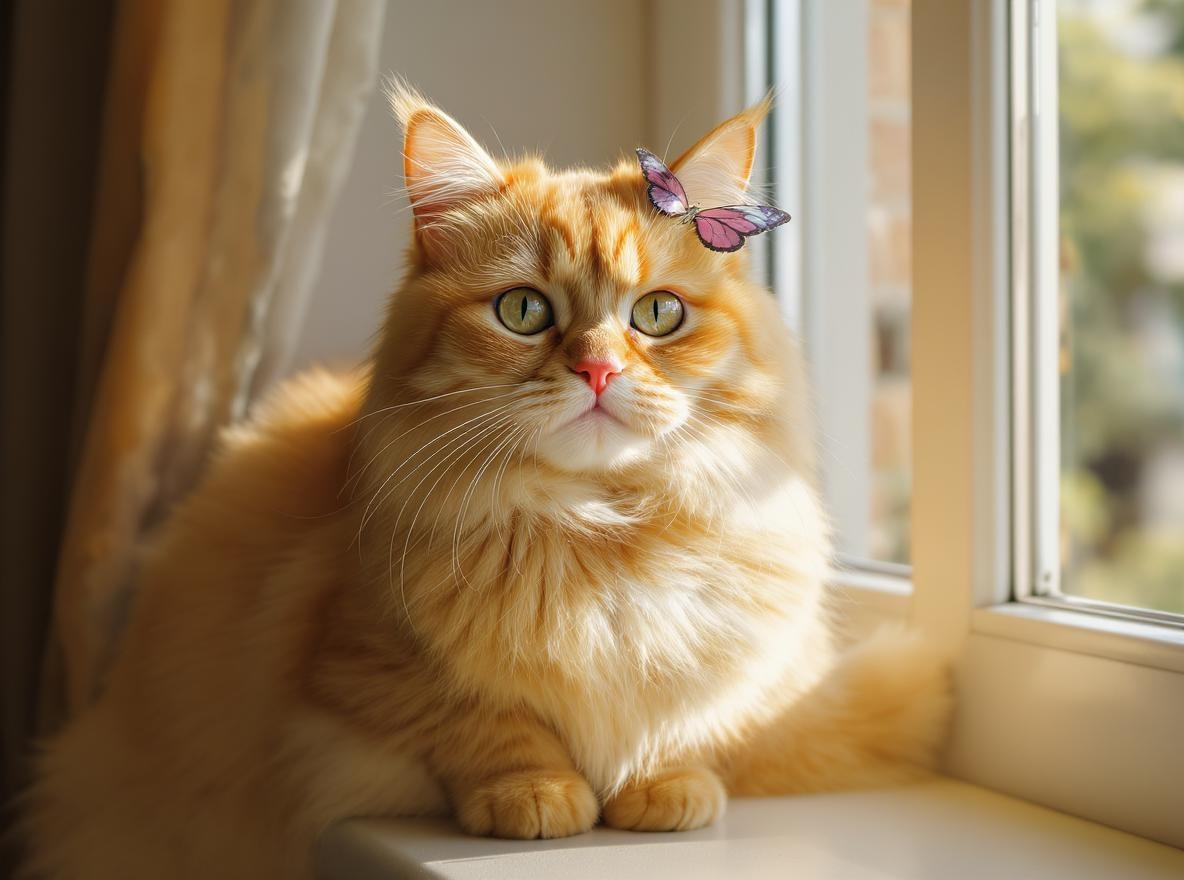
In this ai image prompt, we added:
- Lighting: cinematic lighting
- Composition: close-up shot
- Style: photorealistic
[Image Placeholder: A highly cinematic and realistic close-up photo of the cat would be displayed here.]
This powerful ai image editor can understand and execute these professional artistic commands. From "Van Gogh style" to "cyberpunk," and from "wide-angle lens" to "golden hour lighting," you can mix and match various elements to form your unique style.
👉 Unleash your artistic talent and start creating now! Try adding your favorite movie style or artist into your prompt.
🎨 Create Professional Art with AI
Step 4: Bring Images to Life – Exploring AI Animation
Did you think static images were the final frontier? Not at all! The latest technology even allows you to create an ai animate image. With certain tools, you can breathe life into your static creations and make them move.
Imagine the cat on the windowsill we just created. Now, its tail is gently swaying, and dust motes are slowly floating in the sunlight. Using an animate image ai feature, you can provide the original image and a simple motion instruction, like "tail sways gently," and the AI will generate a short animation for you.
This feature opens up a whole new dimension for your creativity, making storytelling more dynamic. Whether it's making a character's hair blow in the wind or clouds drift across a landscape, the ai animate image technology makes it possible.
👉 Animate your ideas! Start creating now! Find an ai image generator that supports animation and bring your favorite creations to life.
Conclusion & More Prompt Examples
Congratulations! With this ai art guide, you've grown from a novice to a creator who can skillfully use ai image prompts. Remember, the key is to experiment and iterate continuously. The AI is like a creative partner; the better you communicate with it, the better it will understand your vision.
Keywords Explained:
- JSON: You might see this term in advanced tutorials. In simple terms, JSON is a data format, like a well-structured "order form," that can clearly organize your instructions (like subject, style, color, etc.) for some advanced AI tools to understand complex requests more accurately. For beginners, you don't need to dive deep into this.
- AI Image Reader: This term can be understood as the AI's ability to "read" and comprehend your prompt. A good ai image reader capability means the AI can more accurately capture the details and emotions in your text.
Cute Animal Prompt Examples
Here are some ai image prompts you can copy and paste to create adorable animals:
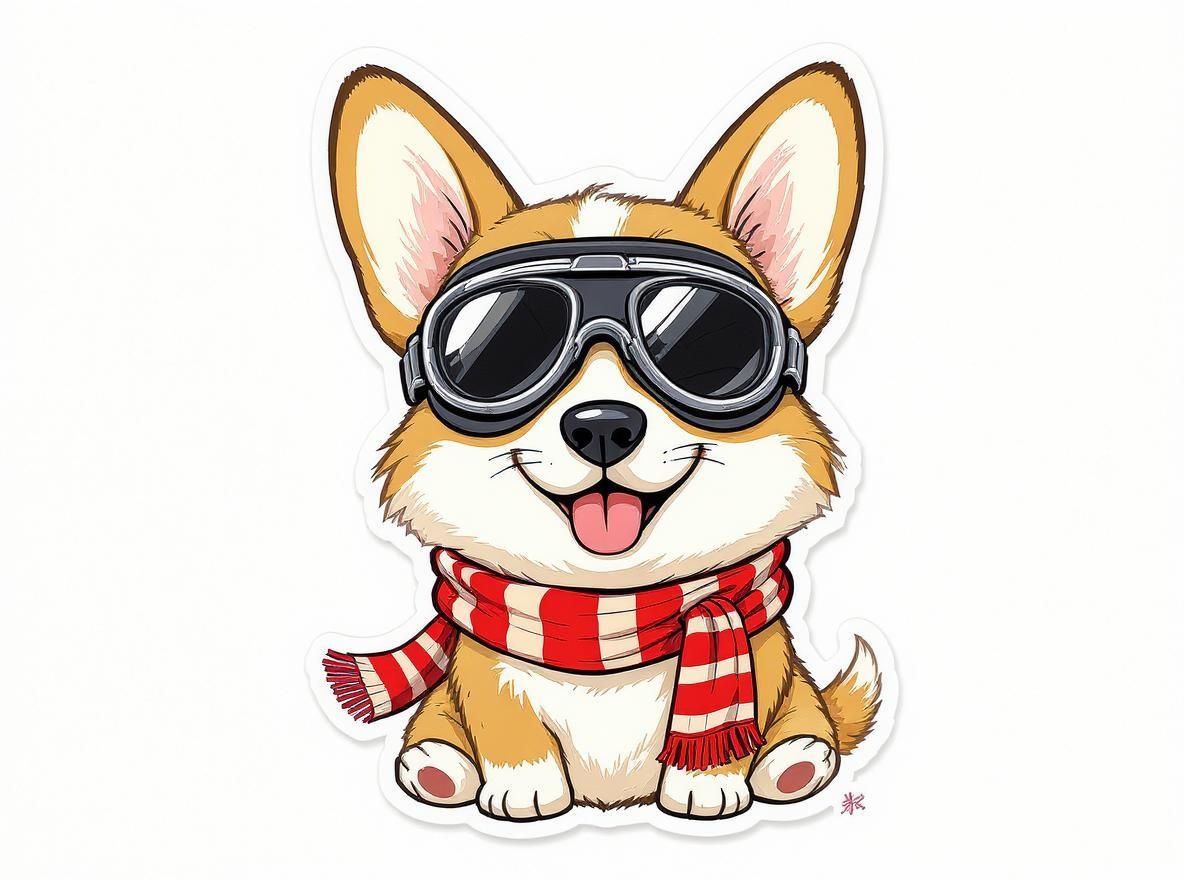
- To generate a Corgi wearing pilot goggles:
A cute corgi dog wearing vintage pilot goggles and a scarf, cartoon style, vibrant colors, white background
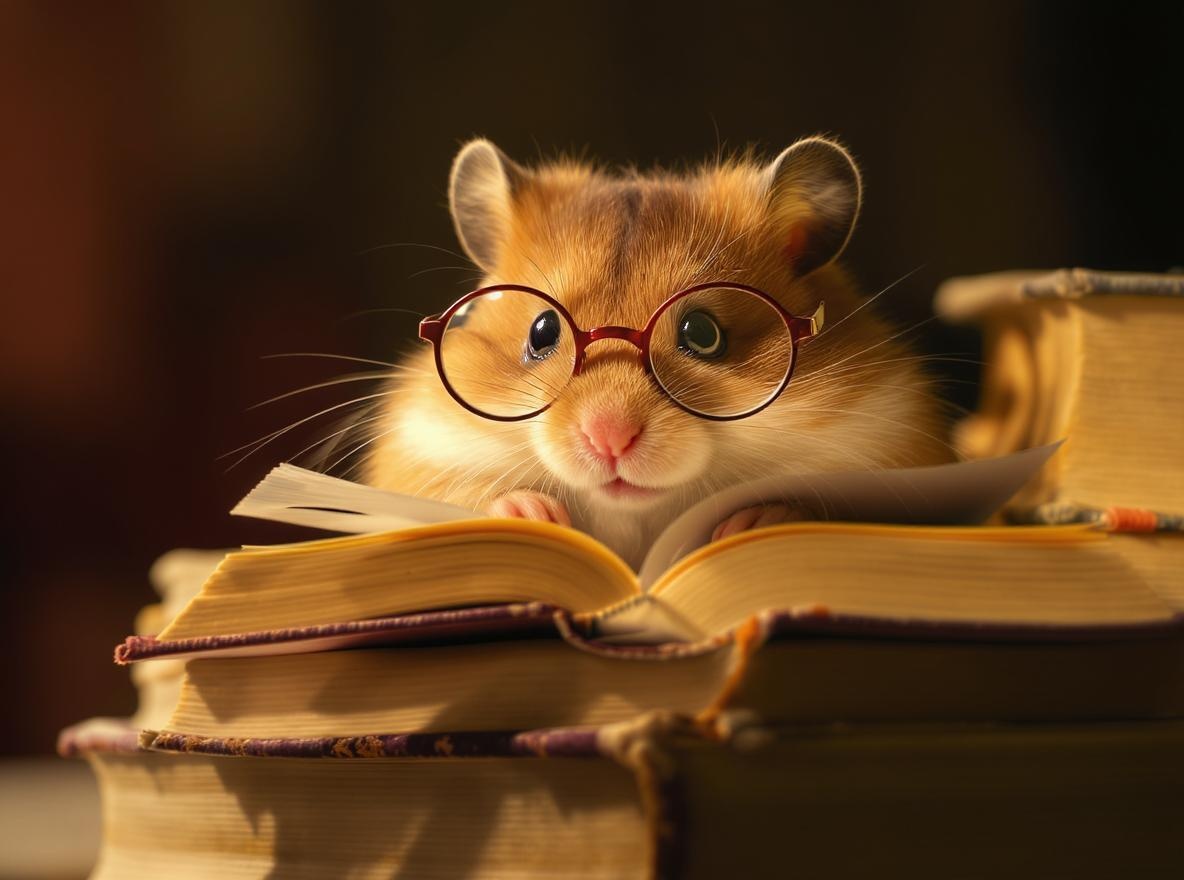
- To generate a hamster reading a book:
A tiny hamster wearing large glasses, sitting on a stack of books and reading intently, warm lighting, macro photography style, rich in detail
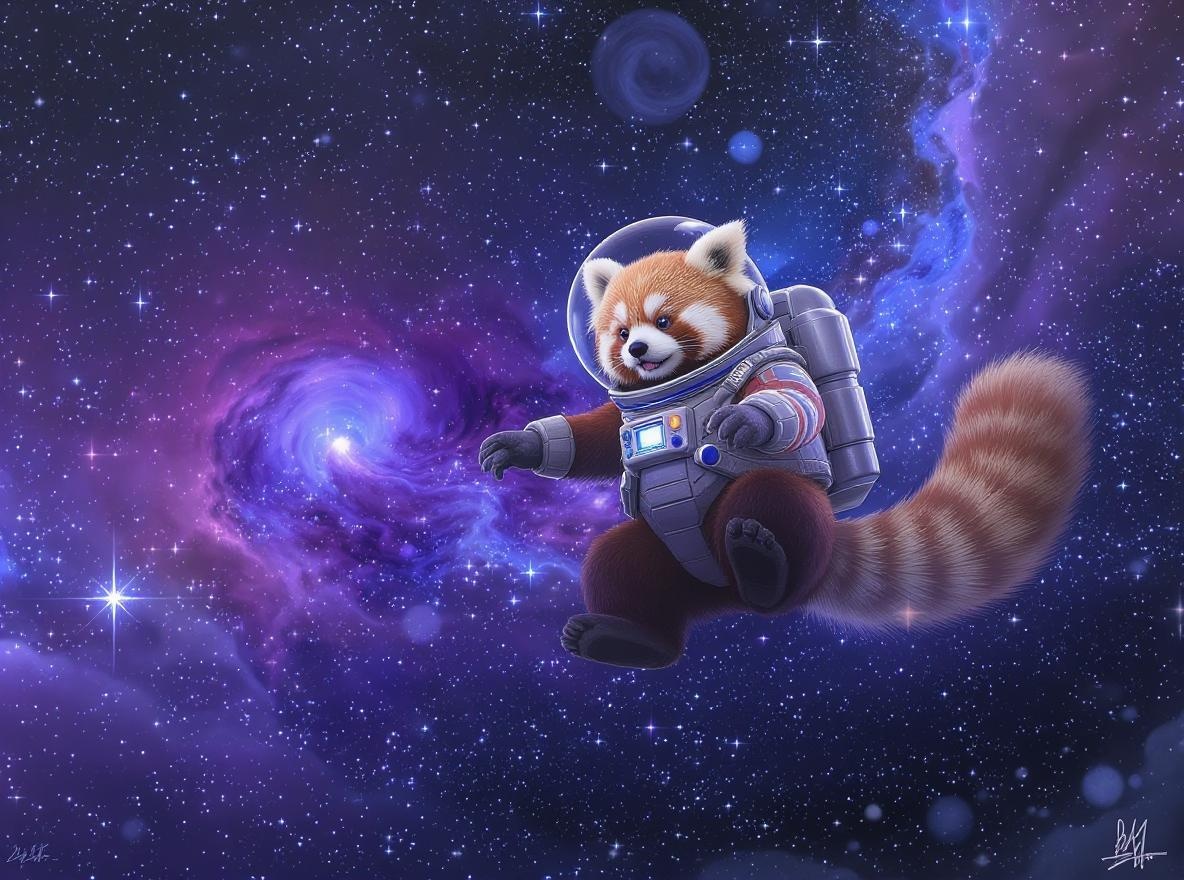
- To generate a red panda astronaut:
A red panda in an astronaut suit, floating in outer space, with shining stars and nebulae in the background, digital art, fantasy
Now, use these techniques and examples to explore the infinite possibilities of any ai image generator
Ready to Start Creating?
🎨 Try AI Art Generator - Create stunning artwork with AI technology
🖼️ Use AI Background Replace - Replace backgrounds in photos instantly
👕 Start AI Clothes Changer - Change outfits and clothing with AI
👤 Try AI Face Swap - Swap faces in photos with advanced AI
🤗 Create AI Hug Videos - Generate heartwarming hug videos with AI
✨ Use AI Text to Image - Transform text prompts into beautiful images